

Business Insights, EDI Education, Integrations
Why your ERP isn't the problem: Manual order workflows are
Read more
August 4, 2026
Seamless EDI and API Integration Built for Your Business
Your business isn't one-size-fits-all—your EDI solution shouldn't be either. eZCom's Lingo is an enterprise-grade platform designed to integrate seamlessly into your ERP, accounting, Inventory, 3PL's/WMS or online marketplaces—whether you need a Open API or full-service expert support. Get set up fast, stay compliant, and scale effortlessly.
Get Started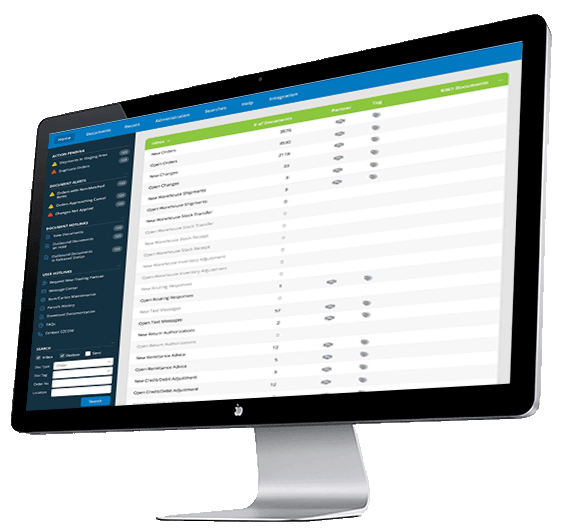
New to EDI? Simplify your electronic data interchange process with Ezcom Software.
Learn More About EDIExperience a seamless transition and enhanced EDI efficiency with Ezcom Software.
Explore Switching OptionsWe can build it—or partner with your team using our API to make it happen.
Learn MoreTake this quick assessment to discover hidden inefficiencies in EDI cycle and see how much smoother your operations could be!
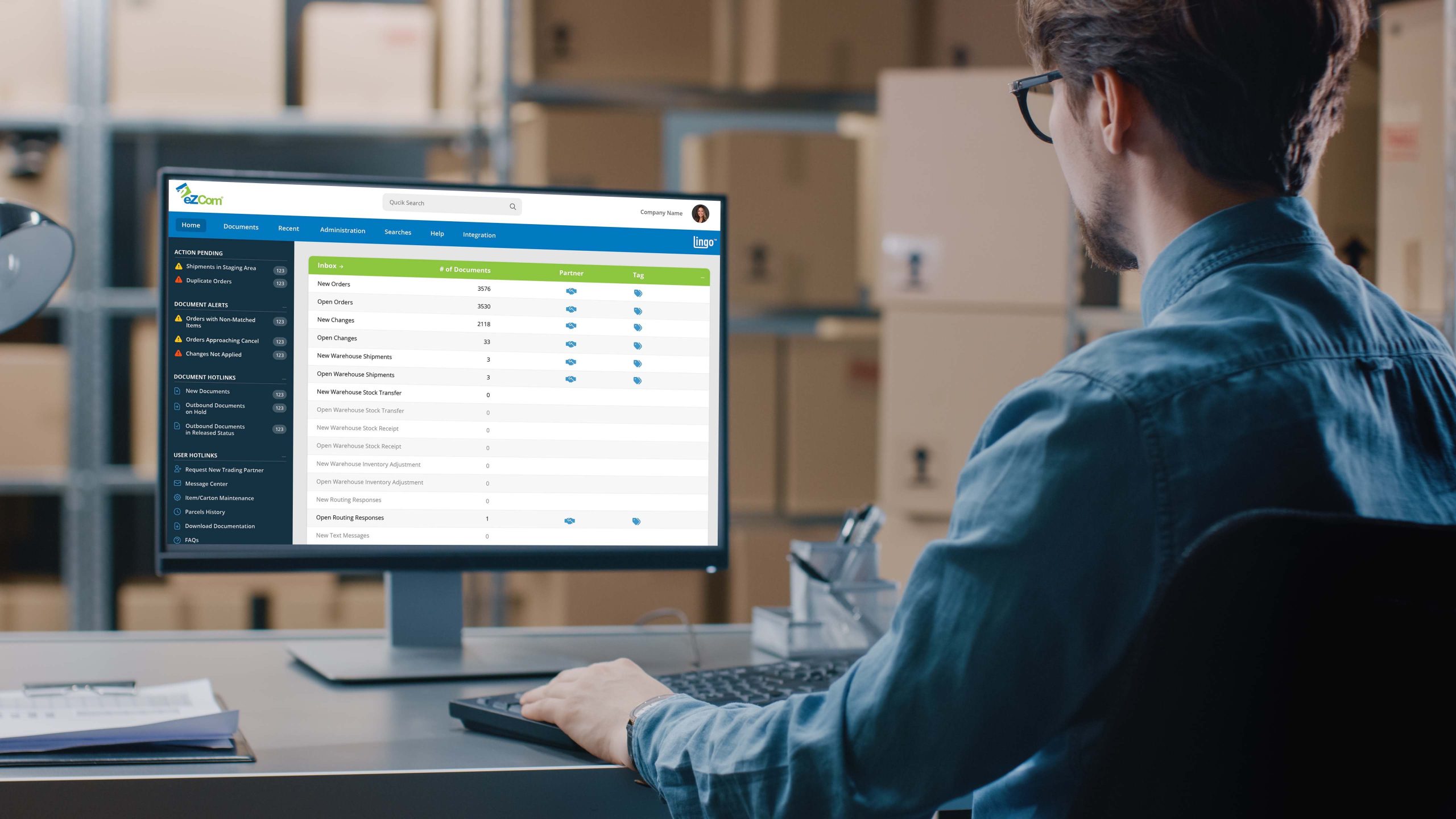
Compliance is critical to trading partner relationships—as an EDI software provider, our software and our people ensure you maintain it. Double-validation checks, automation of high touch tasks, and constant updates to retailer mapping prevent costly chargebacks.
Online channels continue to grow—we make it easy to process these orders the same way as EDI transactions. Automate the transfer of information to online marketplaces, connect directly to shipping providers, and track inventory easily.
Integrate the system you use to run your business with Lingo to create efficiency and increase automation. Whether it's an ERP, Accounting and Inventory software, WMS, or a 3PL, we make the flow of information seamless.
Learn more about EDI Integrations.
"Customer Support is 10 out of 10."
"The people that work the customer service line are cheerful, patient and available. I don't know where they find these folks, but over the years I've always had a positive experience every single time I call. Not to mention they somehow know all the ins and outs of how each of MY customers wants to work with EDI – and trust me, they are ALL different."
Read the full reviewCherie S.
COO, Founder
"EDI made seamless"
"Between the simplicity of the interface and the ease of access to support staff, this system is incredibly user friendly even for the EDI novice! Our company has relied on eZCom for over a decade to support our ever-growing business and at every opportunity presented has risen to the occasion to build functionality tailored to our needs. The integration/development teams are best in class pairing their vast knowledge base with personalized support that shows they truly care."
Read the full reviewJenna C.
Customer Op Excellence Manager
"Best Customer Service Ever!"
"The customer support team is hands down the most helpful group I have worked with. Their site navigation is also very straightforward and super user-friendly once you learn the basics."
Read the full reviewKarlei A.
Co-Founder
"Great Customer Service and Support!"
"This software option allows us to offer and utilize EDI without having the keep in house software and IT Tech support. Lingo takes care of it all and their phone support is always extremely helpful, especially with techy items that are hard to understand. They walk you through anything!"
Read the full reviewJessica B.
Director of Finance and Administration
As companies grow and work with larger retail trading partners, efficient EDI is essential. It doesn't have to be difficult—our Lingo EDI software and our people will help you turn a time-consuming, tedious requirement into a competitive business advantage.
Get Started With An EDI Solution →Business Insights, EDI Education, Integrations
August 4, 2026

Business Insights
July 21, 2026

EDI Education
July 15, 2026