
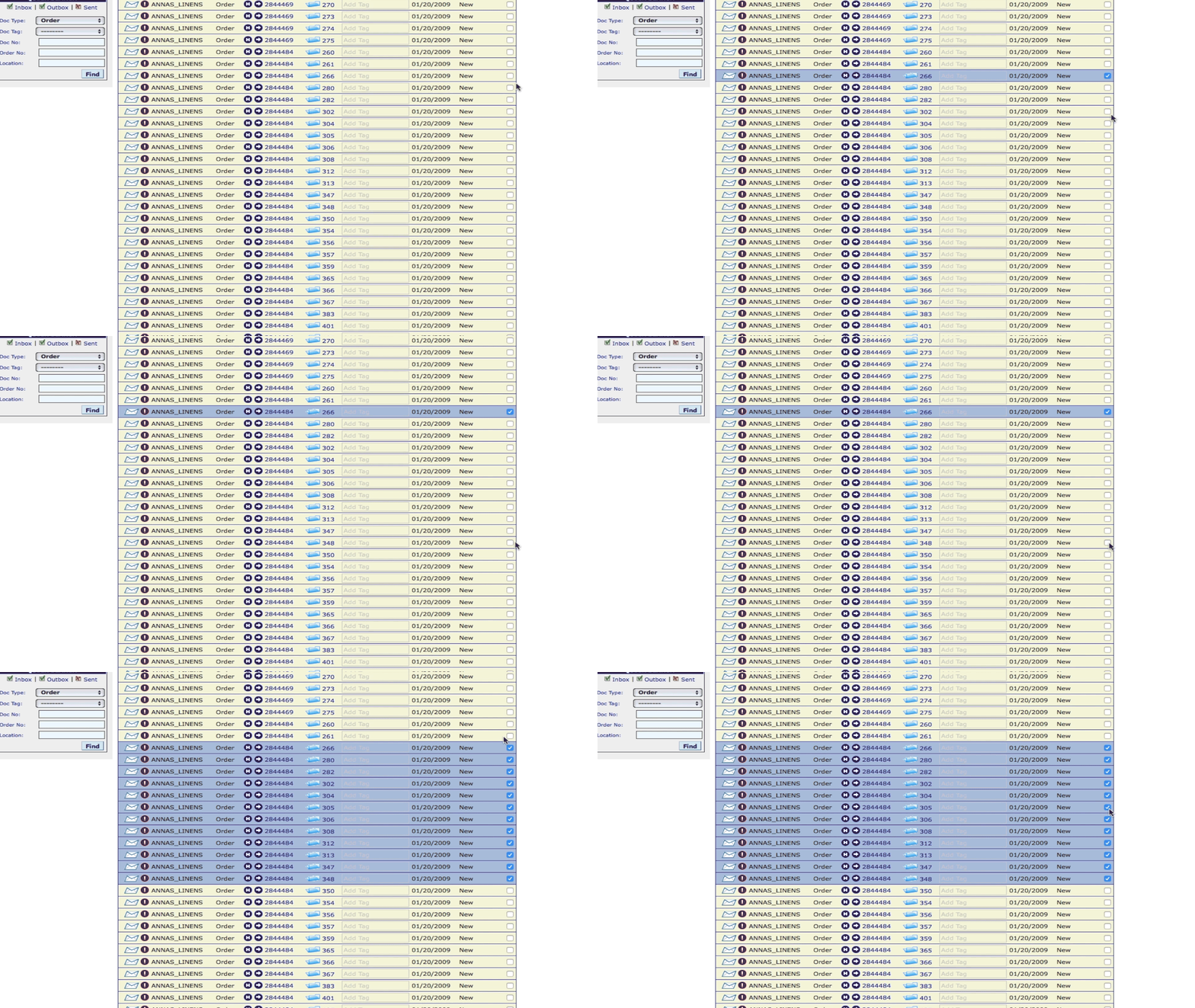
If you are working with a large quantity of documents in Lingo, and you find yourself needing to highlight some but not all of them, here is a handy trick for you. Instead of checking each box individually, simply check the box next to the first document you want to select. Then hold down the Shift key and scroll down to the last document you want to select. All the documents between the first one and the last document you checked will be selected.
Questions? We’re here to help. Reach out to our Support Team at 877-765-3564 (Option #2) and we’ll be happy to answer them.

